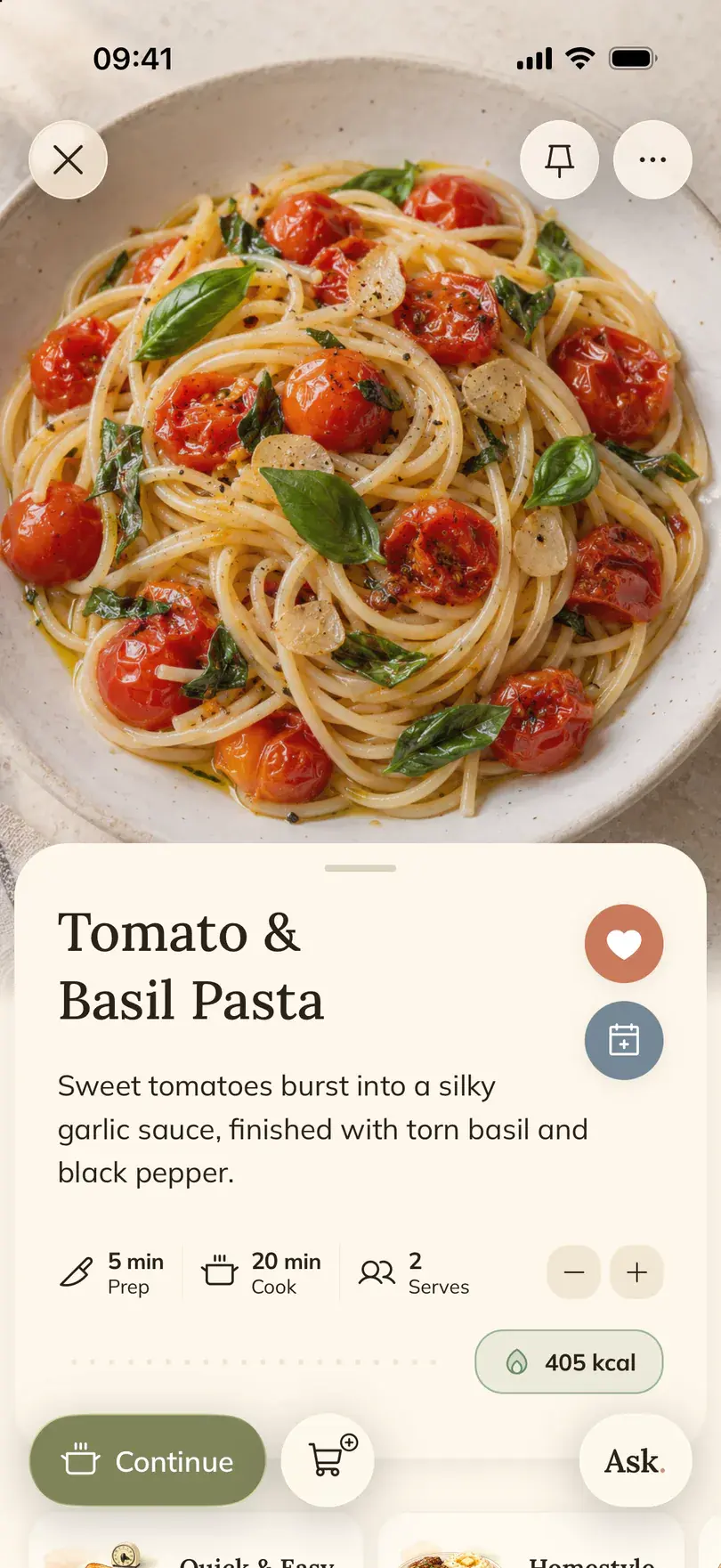
Free recipe card maker by FOODIE: Digital Recipe Book
Recipe card maker: paste a recipe, get a printable PDF.
Paste a recipe from a website, a message or your notes. The ingredients and steps land on a clean card that you can check, fix and download as a PDF.
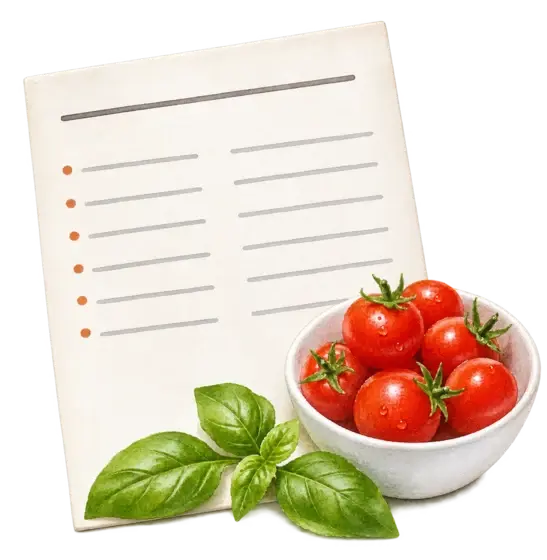
Paste the recipe, check what was found, and download a printable card. The name, ingredients with their amounts, groups and steps are sorted out even from a messy caption, amounts stay exactly as you wrote them, and you check everything before you download.
What you can paste
Copy the recipe from wherever it is and paste it as it is. The card is built from your words only; nothing is added or guessed.
- Headings such as Ingredients or Method help but are not needed: the name, ingredients, amounts and steps are sorted out even from a messy caption or a note.
- Chatter such as “link in bio”, hashtags and emoji are left out of the card.
- A line ending with a colon, such as “For the dough:”, starts a group of ingredients.
- Lines such as “Serves 4”, “Prep: 15 min” and “Cook time: 1 hr” fill in the servings and times.
- List marks such as ▢ or • are dropped, and amounts stay exactly as written, so “1 ½ cups” prints as “1 ½ cups”.
Common questions
Recipe card questions.
6 answers to the things people ask us most. Tap any question to expand.
How do I turn a recipe into a PDF?
Paste the recipe text into the box and press Make the recipe card. Check the name, ingredients and steps on the card, fix anything that is off, then press Download PDF. The file is ready in a second.
Is the recipe card maker free?
Yes. There is no sign-up and no limit on how many cards you make.
What happens to my recipe text?
It is read on our server only to sort it into the card and is not kept with your name. The PDF itself is made in your browser.
Can I print the recipe card?
Yes. The card is a US Letter page with ingredients on the left and numbered steps on the right. On A4 paper, choose “Fit to page” in the print window. Long recipes continue on a second page.
Can I make a recipe card from a link?
This tool works with text. For a recipe on a website, Instagram, TikTok or YouTube, use the recipe link to PDF tool on the Tools page: paste the link and it reads the recipe for you.
Which languages does it understand?
A recipe in any language written in Latin or Cyrillic letters works and prints correctly. The card keeps the language the recipe was written in; nothing is translated.
Guides on this topic
- How to organize recipes from screenshots, links and notebooksScreenshots, phone notes, Pinterest boards, Instagram saves and a stained notebook all work until the evening you need one recipe fast. Here is what each method is good at, where it breaks, and how to pull everything into one place.Read the guide
- Family recipe book: how to save grandma's recipesCollect the cards, ask the right questions while you still can, digitize the handwriting and choose a format your family will actually cook from.Read the guide
- Instagram saved recipes: from a messy folder to dinners you can cookWhy the Saved tab stops working after a few hundred Reels, what each fix is good for, and how to get the recipe out of a fast video into a place you can cook from.Read the guide
Features
More tools


FOODIE: Digital Recipe Book
Keep every recipe in one place.
FOODIE saves recipes from websites, Instagram, TikTok and YouTube, scales servings and makes one shopping list for the week.
 Try Foodie for free
 Scan with iPhone to download