 FOODIE
Save recipes from Instagram or any link at all.

Start your collection — FREE
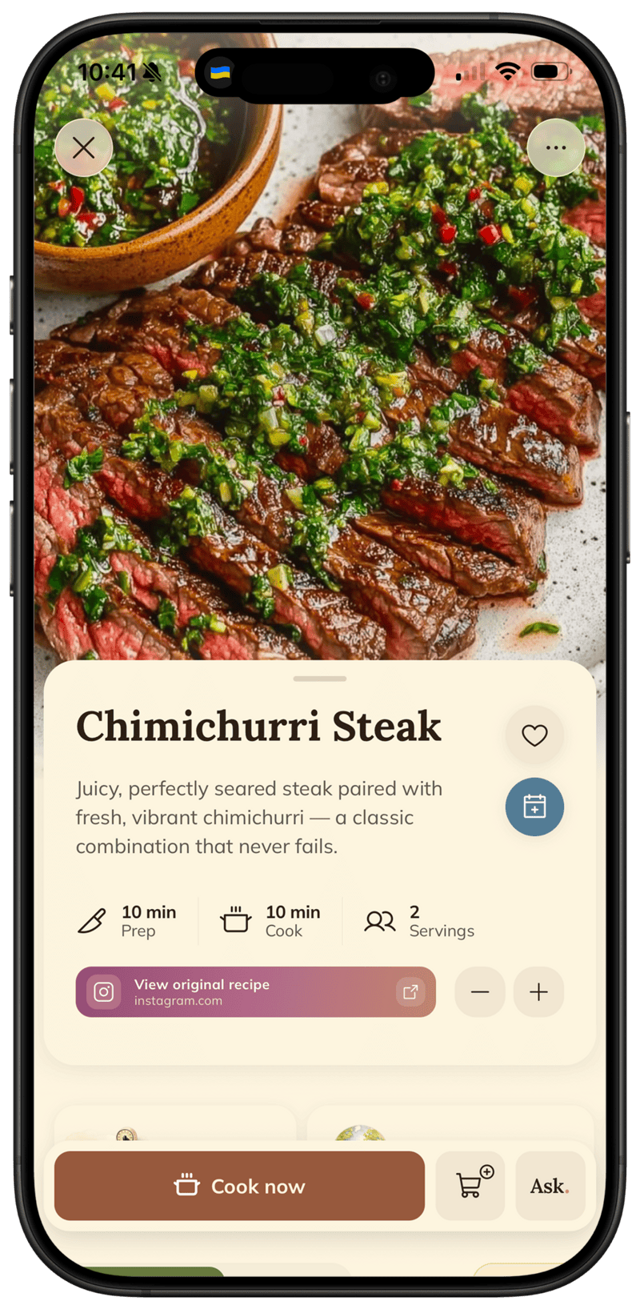
Recipes in any language,
translated into yours.
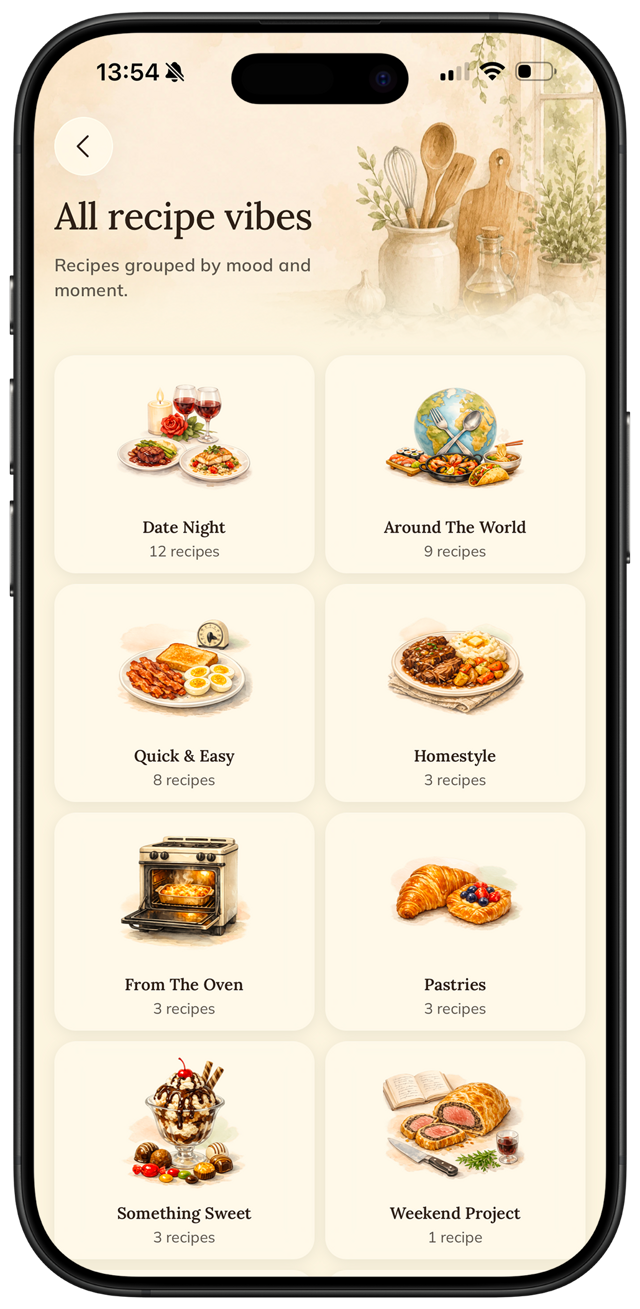
Recipes by mood.
Every save lands in its own vibe collection.
Auto-built vibe collections — cook by mood
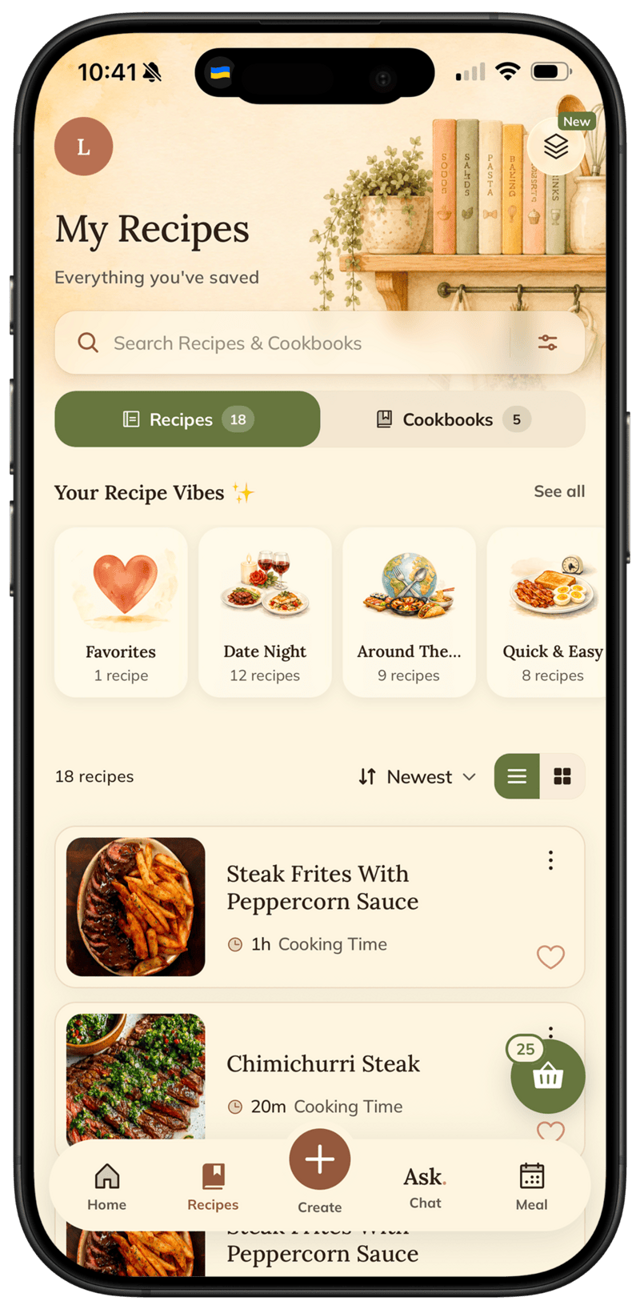
Create your own cookbooks, your way
One tap to favorite what you love
Search by name or ingredient, instantly
Your AI assistant,
for anything you cook.
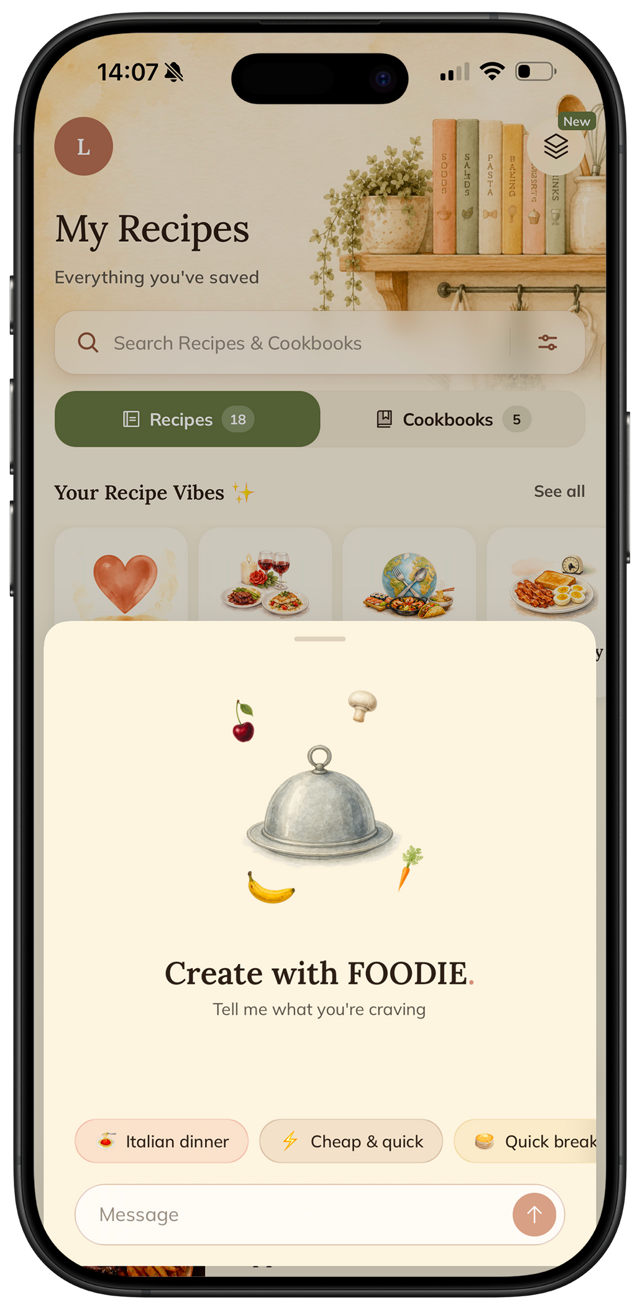
“Something quick and budget-friendly for tonight.”
“How do I keep the pasta from sticking?”
“Give me a medieval feast recipe.”
“Can you scale this recipe for 6 people?”
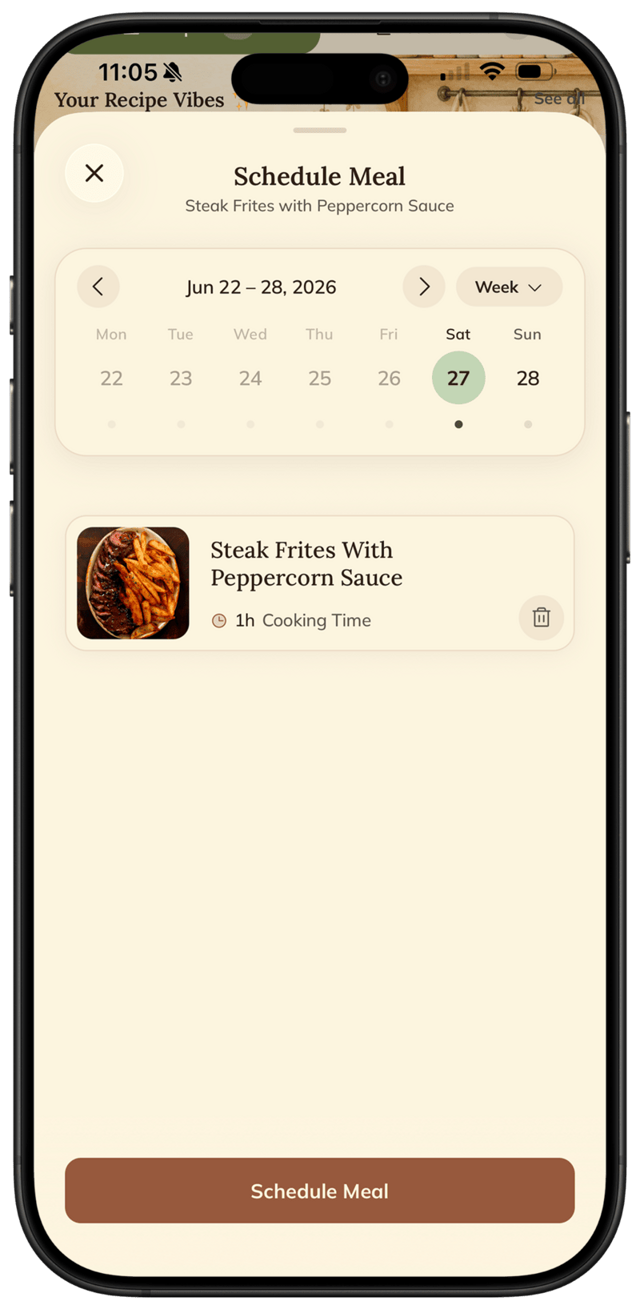
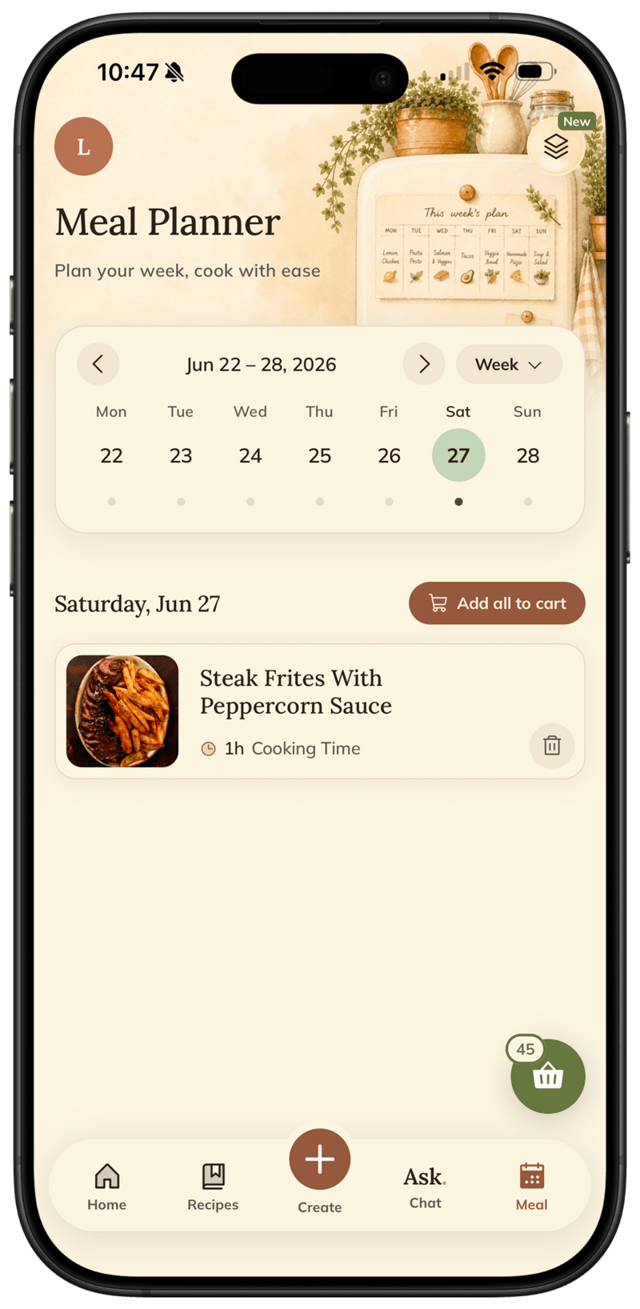
Plan your week
in seconds.
Schedule meals for the week and never wonder what’s for dinner again. Pick a day on the calendar, tap to add a recipe, and balance your meals effortlessly.
Smart shopping list,
never miss an ingredient.
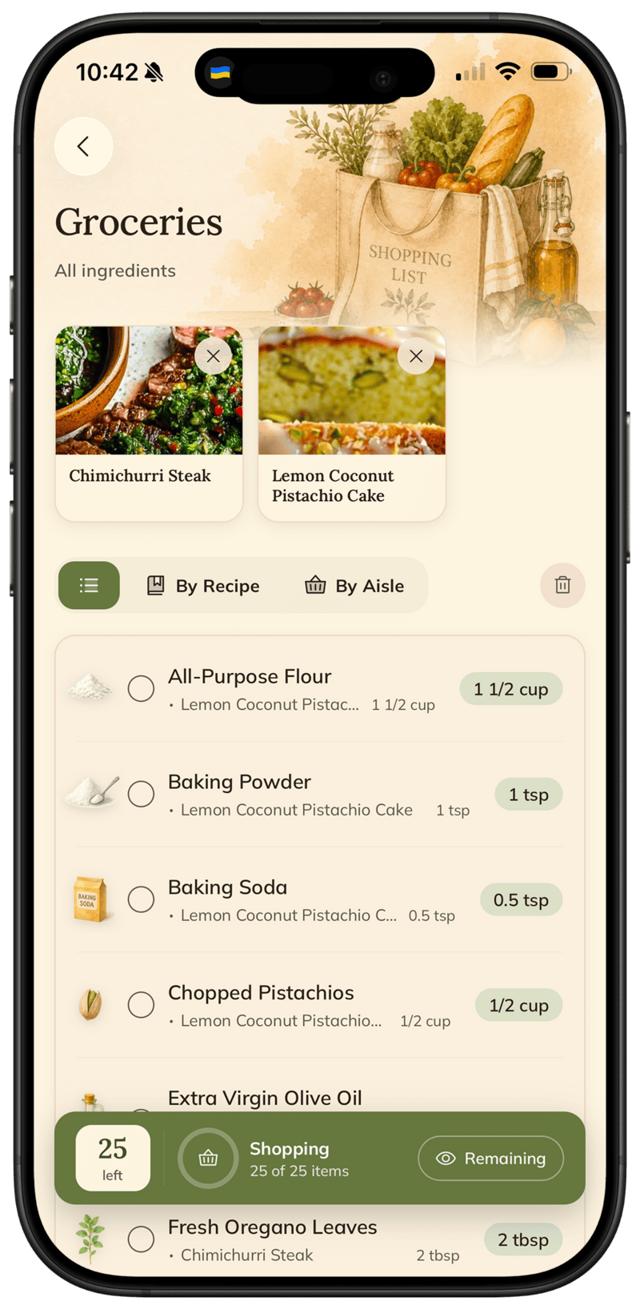
Pick your recipes for the week and FOODIE turns them into one smart grocery list — so nothing gets forgotten.
Builds itself from your weekly meals
Grouped by aisle, duplicates merged
Tick items off as you shop
Every ingredient,
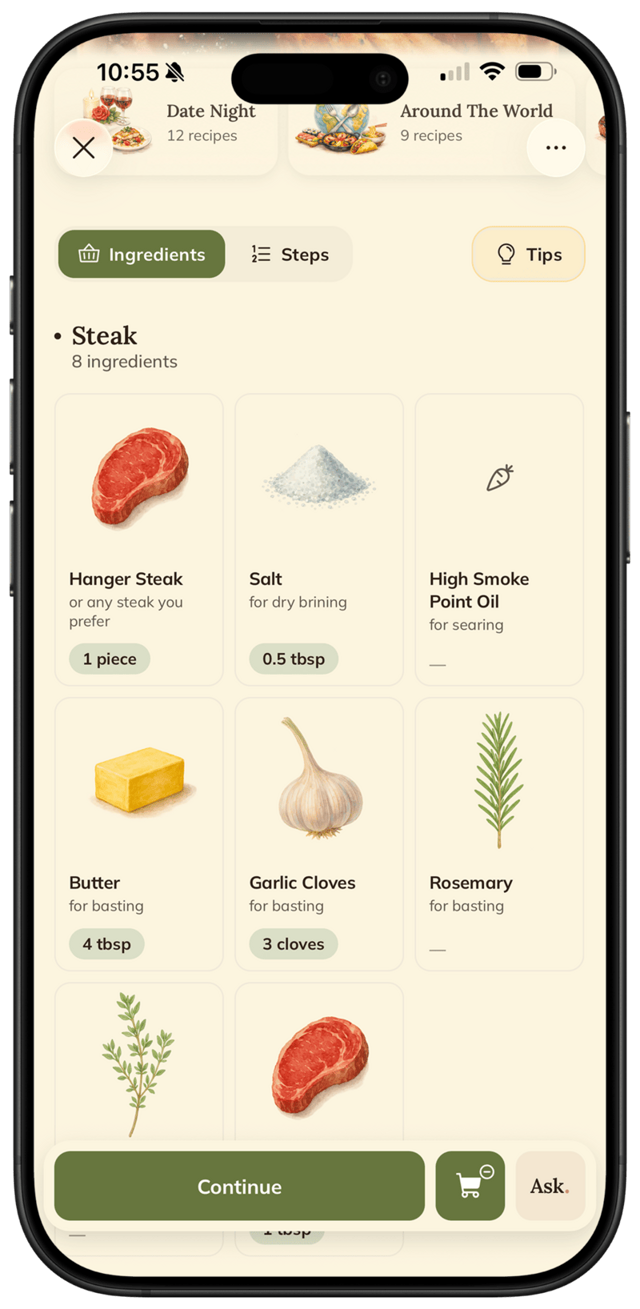
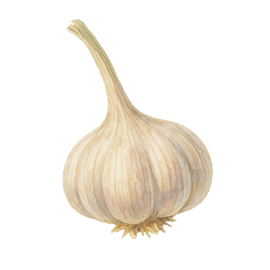
a little watercolor.
Soft watercolor illustrations for hundreds of ingredients — because your cookbook deserves to look as good as it cooks.

















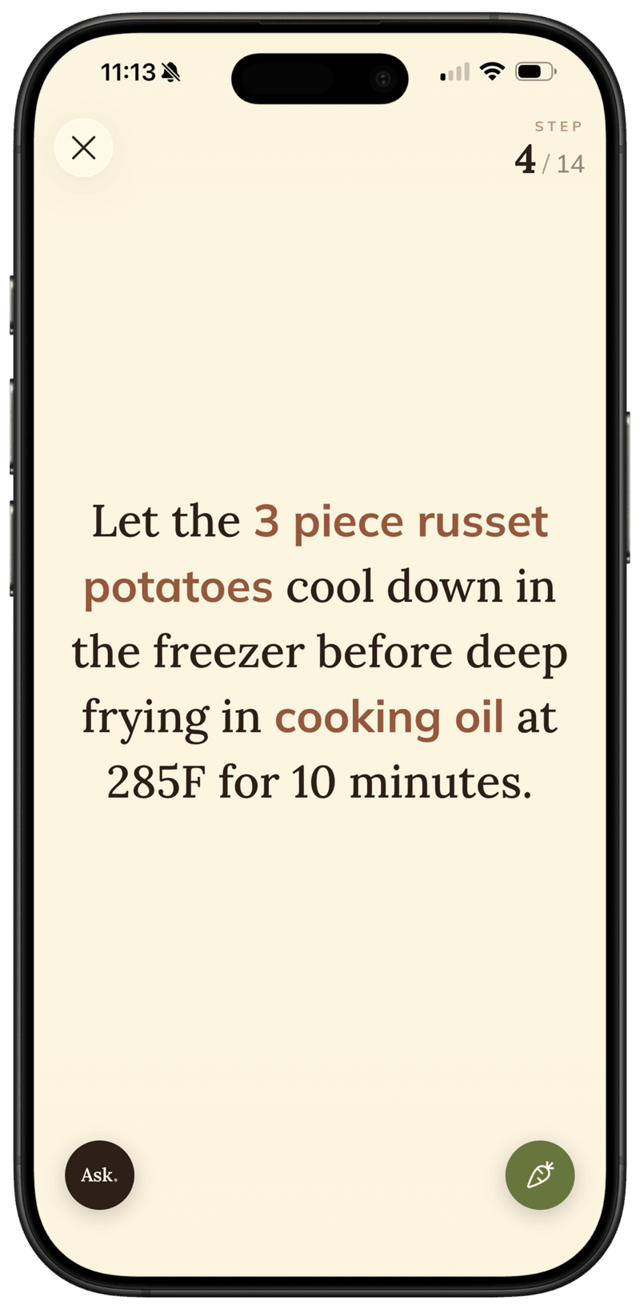
Cook mode.
The screen never sleeps.
Hands-free, step-by-step guidance — just tap to cook.
Ingredients highlighted in orange
Auto-sizing text, always readable
Tap anywhere for the next step
Ask the AI or peek at ingredients anytime
Unlock your full kitchen.
Everything you need to cook smarter and waste less.
- Any recipe is yours — link, photo, typed text, or imagination
- Organize into cookbooks & collections
- AI sous-chef on every recipe — ask, tweak, or invent
- Plan your meals on a weekly calendar
- Auto-generated shopping lists grouped by category
- Step-by-step cooking mode with smart highlights
Annual
$49.99 $24.99/year
Autumn DealMonthly
Cancel anytime. No commitment.
Prices in USD — your local App Store price may differ by region.
Explore more
Beyond the app.
Short kitchen tips, deep how-to guides, honest comparisons. Cook better even before you download.
Latest kitchen tips
All tips →- traditionsWhy my grandmother always salted the eggplant firstSalting eggplant used to be about bitterness. Today it's about something more useful — and the 30-minute wait is still worth it.
- knife-skillsDice an onion in three cuts — the restaurant wayThree cuts, one rule — keep the root — and you'll get a consistent dice every time.
- troubleshootingYour dish is on fire — here's how to put it outA handful of real fixes for a dish that came out too hot — and one popular trick that doesn't actually work.
- troubleshootingRice stuck to the pot? Here's the rescue.If your rice burned to the bottom, don't stir — a two-minute steam trick saves everything above it.
Guides, rankings & comparisons
- Best-of listsBest recipe apps of 2026Side-by-side rankings of recipe apps, AI cooking apps, meal planners, and free options.
- How-to guidesHow to save Instagram recipesStep-by-step walkthroughs for saving from TikTok, planning a week, cooking from your fridge.
- CompareFOODIE vs Paprika, Samsung Food, ChatGPT…Honest side-by-side comparisons against ten of the apps people actually consider.
- Who it's forBusy parents, meal preppers, students…How FOODIE fits five common cooking situations — and where it doesn't.
Ready to start?
No more questions.
Just cooking.
Free to download.
Your recipes stay with you forever.