How do I keep Instagram recipes I want to cook?
How Foodie helps
Share a Reel or post with FOODIE: Recipe Saver. It turns the available recipe information into ingredients and cooking steps you can find in your collection.
See howWhy FOODIE: Recipe Saver
Real cooking questions. Practical ways to save, organize and cook with Foodie.
 Try Foodie for free
How Foodie helps
Share a Reel or post with FOODIE: Recipe Saver. It turns the available recipe information into ingredients and cooking steps you can find in your collection.
See howHow Foodie helps
Choose your preferred recipe language in Foodie. Saved recipes are translated so you can read the ingredients and instructions in that language.
See howHow Foodie helps
Share the TikTok link with Foodie. It uses the available source information to organize the ingredients and method into a recipe you can save.
See howHow Foodie helps
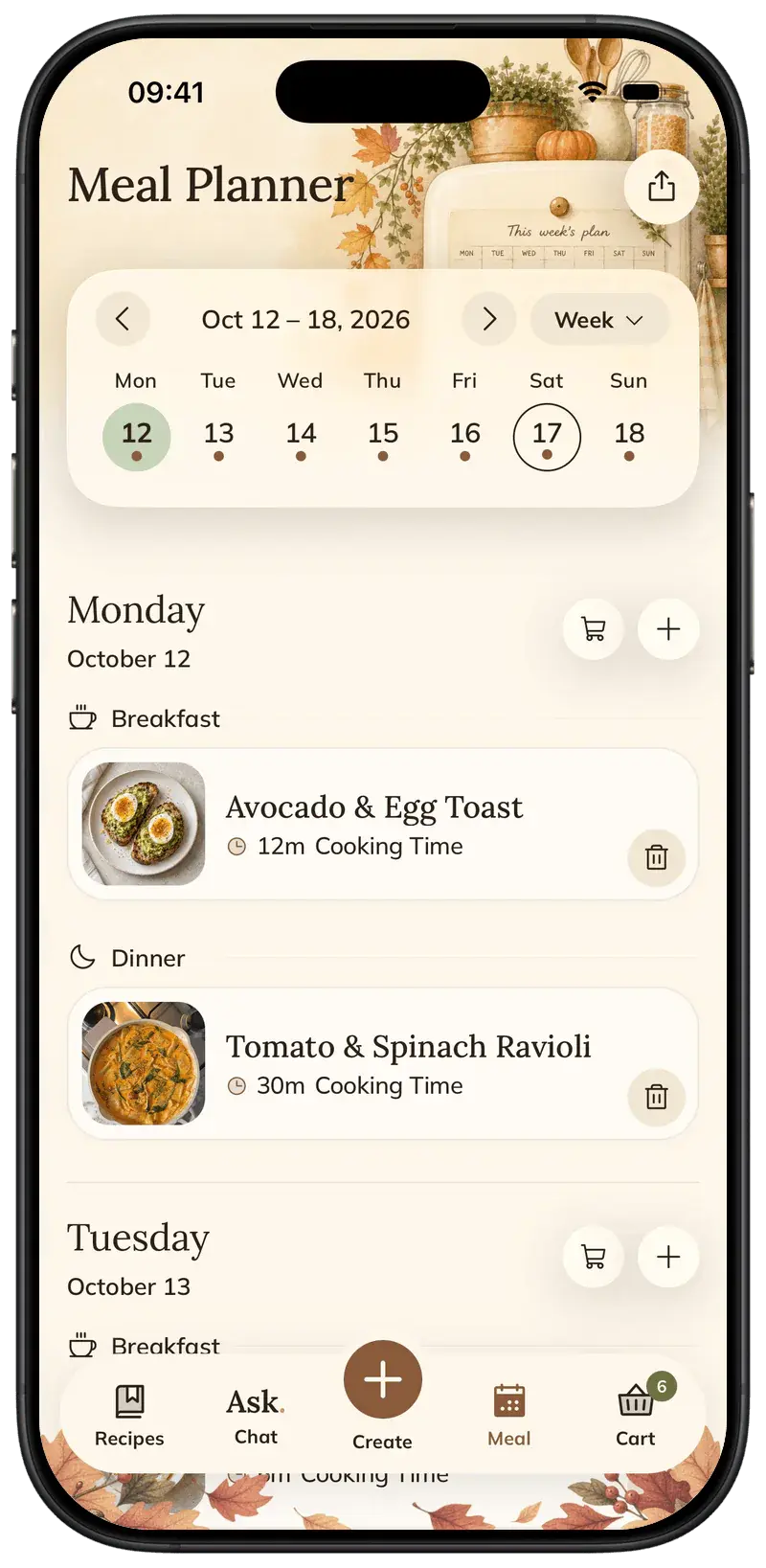
Add saved recipes to the Foodie calendar. See meals by day, week or month, and move them when your plans change.
See howHow Foodie helps
Tell the Foodie cooking assistant what is in your fridge. Ask for a recipe built around those ingredients, then review and save the suggestion.
See howHow Foodie helps
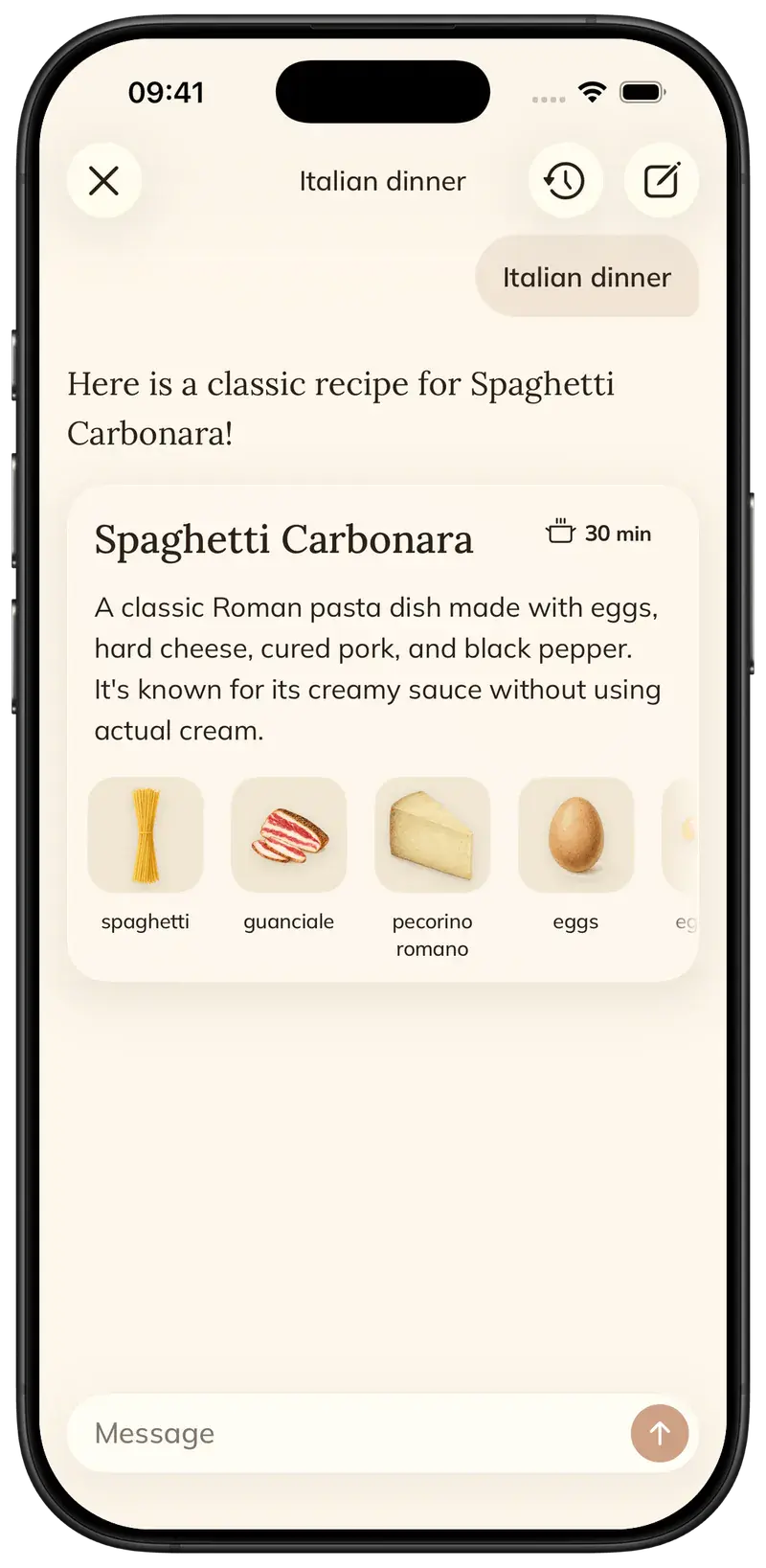
Describe the dish to the Foodie cooking assistant. It can suggest a recipe with ingredients and steps, which you can edit and save to your collection.
See howHow Foodie helps
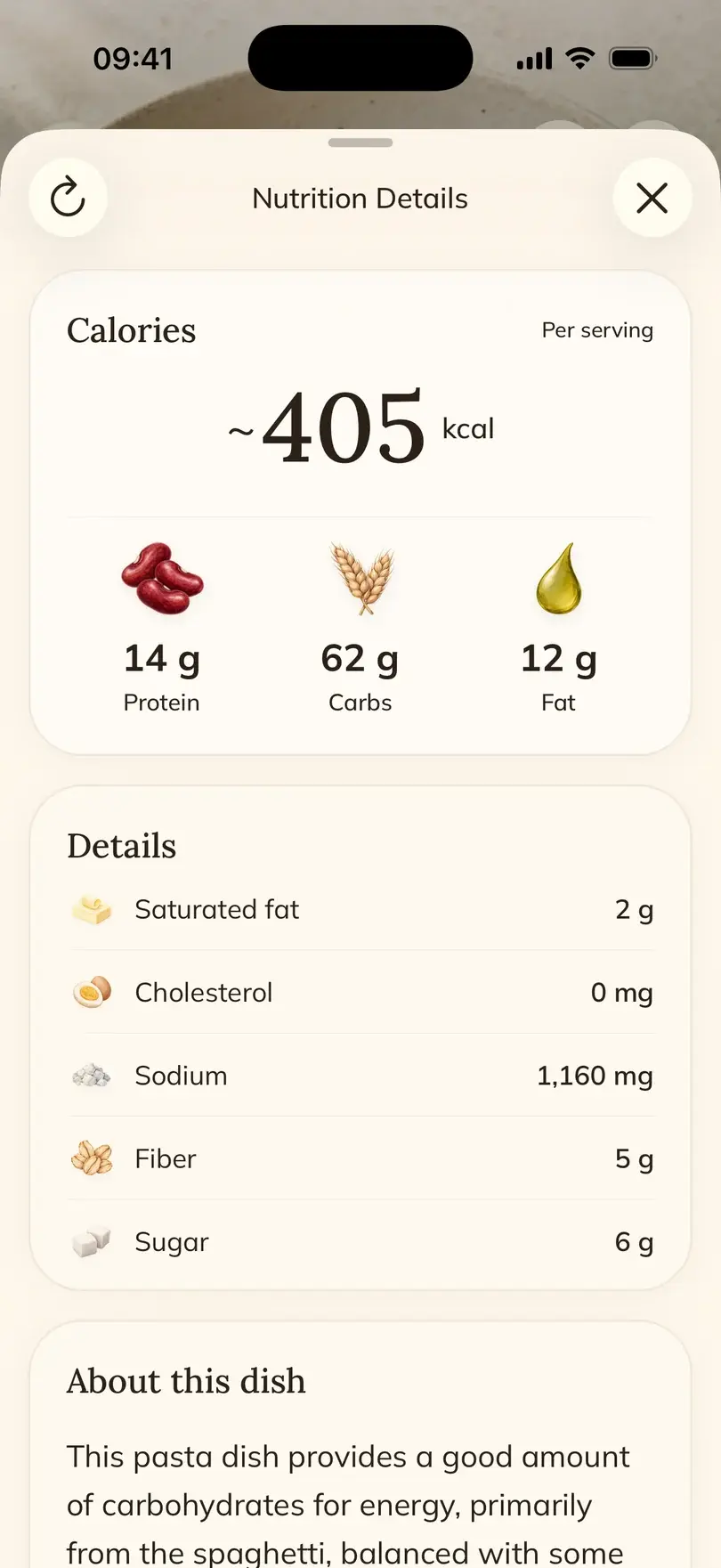
Foodie shows estimated calories, protein, carbohydrates and fat per serving. Open the nutrition details from a recipe to see more.
You want a useful overview of a meal, without entering every ingredient in another app. Nutrition figures are estimates, not laboratory measurements.
How Foodie helps
Open Ask from the recipe or cooking mode. The Foodie assistant can help with techniques, ingredient swaps and questions about the dish you are making.
See howHow Foodie helps
Ask the Foodie assistant about a substitute in the context of your recipe. You can then edit the ingredients and instructions to keep the version you want to cook.
See howHow Foodie helps
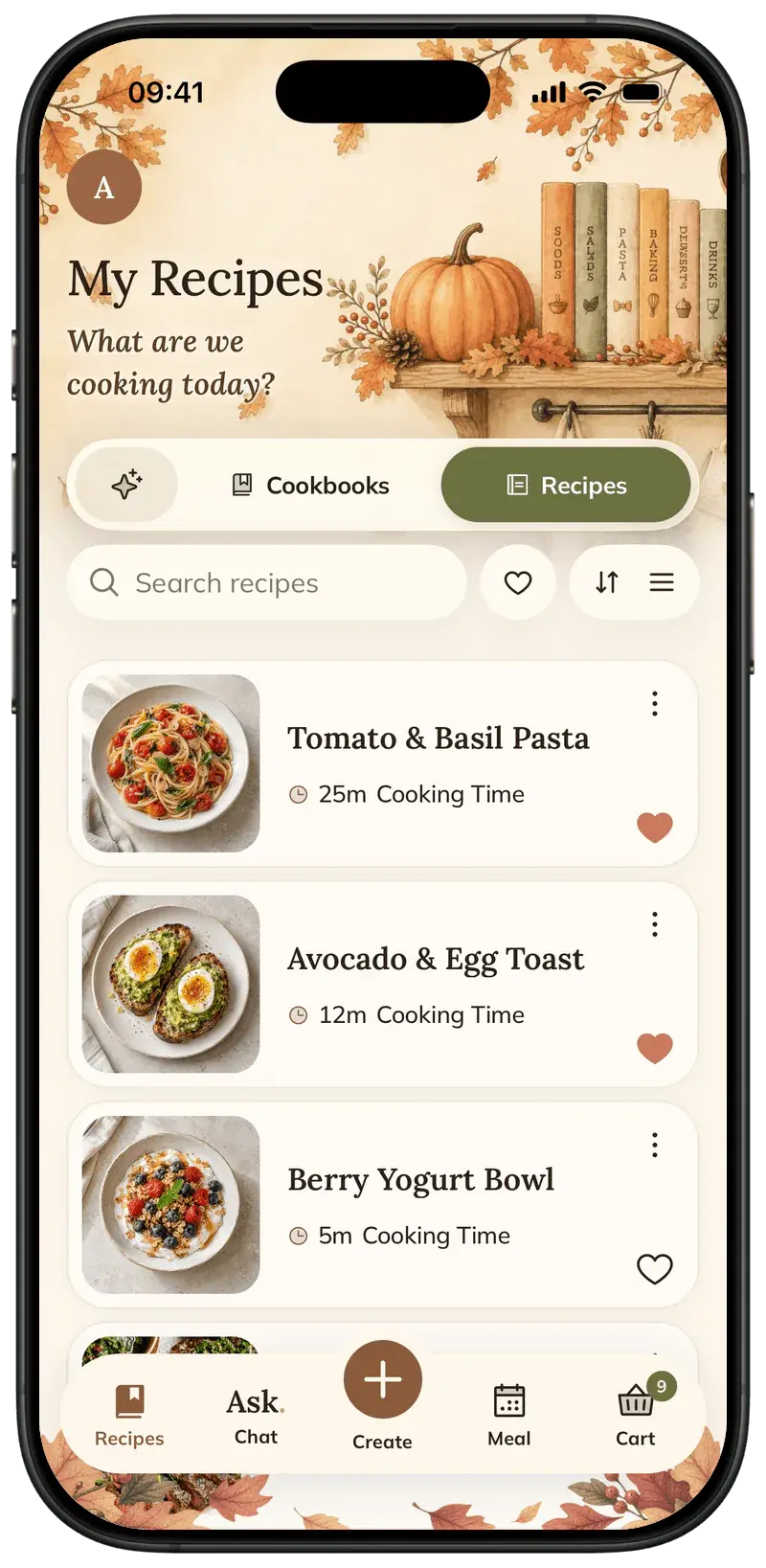
FOODIE: Recipe Saver brings recipes from social media, websites, photos and text into one collection. Search your favorites, edit them and organize them into cookbooks. With Premium, you can also export a recipe as a PDF.
See howHow Foodie helps
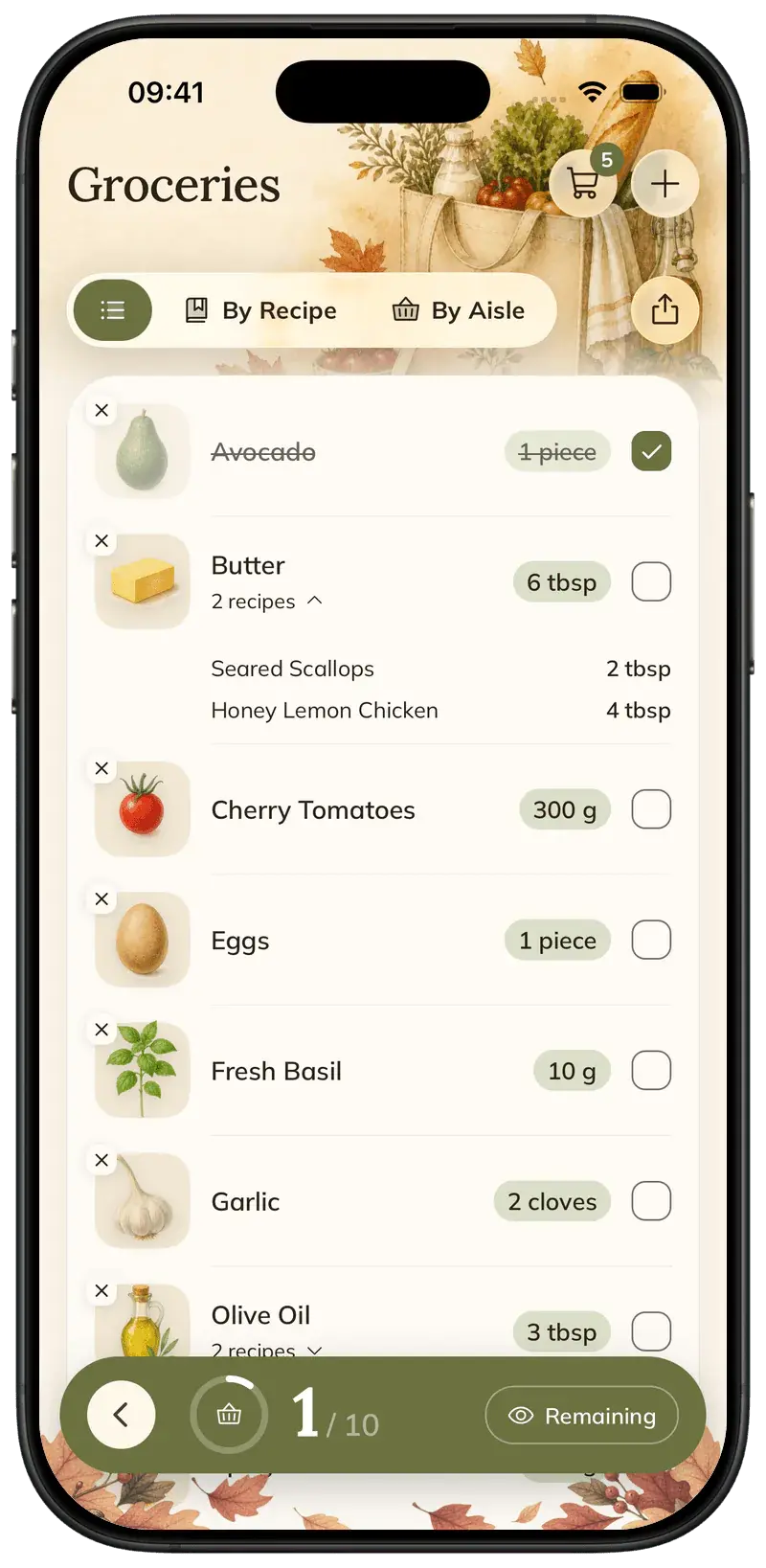
In Foodie, add selected ingredients from a recipe or add a whole recipe. Shared ingredients are grouped together, and you can check items off as you shop.
See howHow Foodie helps
Foodie cooking mode shows one step at a time, with ingredient amounts in the instructions. The screen stays awake while you cook, and you tap to move to the next step.
See howHow Foodie helps
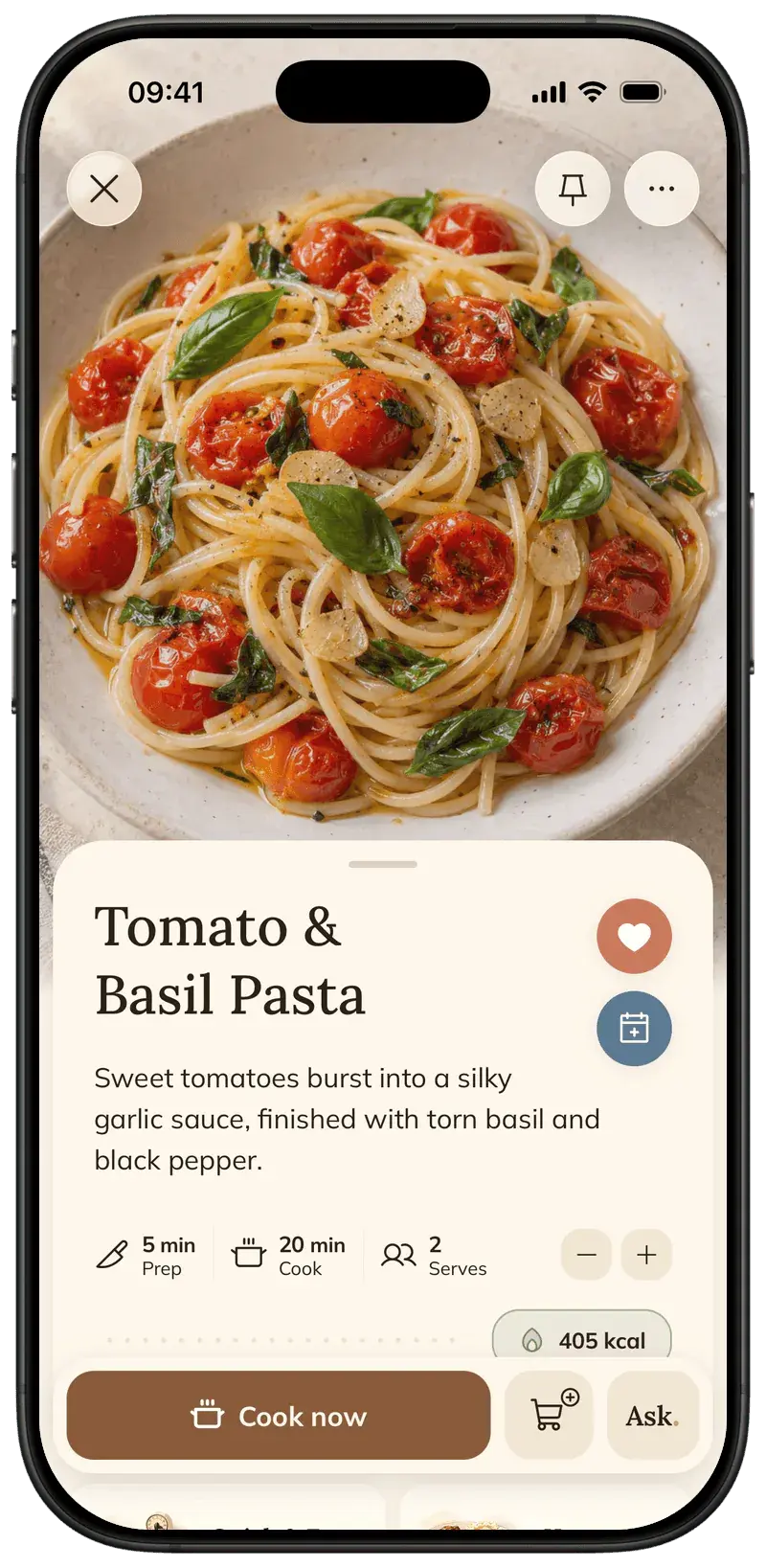
Foodie keeps your saved recipe separate from the source page. Read the ingredients and steps without blog banners or appliance promotions inside the cooking flow.
See howHow Foodie helps
Change the serving count in Foodie. Ingredient amounts adjust with it, so you can cook for a different number of people without recalculating each quantity.
A recipe serves two, but four people are coming for dinner. You want the ingredient amounts to change together.
FOODIE: Recipe Saver
Save a recipe, plan a meal, and make it your own in Foodie.
Try Foodie for freeCommon questions
5 answers to the things people ask us most. Tap any question to expand.
FOODIE: Recipe Saver is free to download and lets you start saving recipes. The app shows your current free allowance and available Premium plans.
Share a Reel, post or TikTok link with Foodie. It organizes the recipe information available from the source into ingredients and instructions.
Foodie supports English, Spanish, German, French, Portuguese, Ukrainian and Italian as recipe languages. Choose the language you prefer for saved recipes.
Yes. Edit ingredients and instructions, change servings, or ask the cooking assistant for an adaptation. With Premium, you can also export a recipe as a PDF.
Foodie is currently available for iPhone and iPad through the App Store. The website also offers a separate recipe-to-PDF tool.