Guide · Meal planning
How to meal plan for the week (without spreadsheets).
Five dinners, one Sunday, no decision fatigue. The simple method that actually sticks.

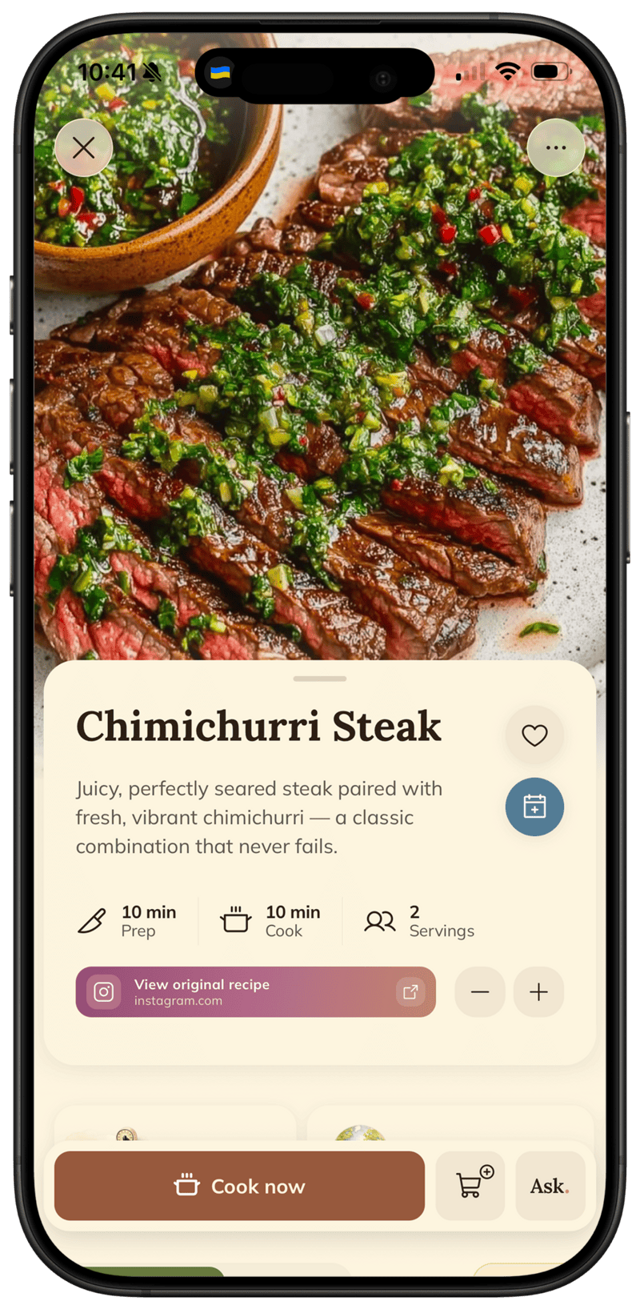
Five dinners, one Sunday, no decision fatigue. The simple method that actually sticks.
Meal planning fails when it's complicated. The trick: visual calendar, your own recipes, automatic shopping list. FOODIE bundles all three into a 5-minute Sunday ritual.
Step by step
5 steps · 5 minutes.
- 1
Open the planner.
Tap the calendar icon in FOODIE. You'll see a clean weekly view — one slot per day, no fussy meal-time grid.
- 2
Add recipes to days.
Pick a day on the calendar, tap to add a recipe from your saved cookbooks. Repeat for the days you want to plan ahead.
- 3
Adjust servings per meal.
Cooking for 2 on Tuesday and 5 on Friday? Tap each meal to set servings — quantities scale automatically.
- 4
Generate the grocery list.
Tap "build shopping list." FOODIE merges duplicate ingredients, groups by aisle, and you're ready to shop.
- 5
Cook through the week.
Each day, the planned meal is one tap away — opens directly into cooking mode.
Pro tips
From people who do this every week.
- ✦
Build a "weeknight favorites" cookbook — recipes you cook on repeat are one tap away when you plan.
- ✦
Plan only the days you actually need. Even 2-3 dinners on the calendar makes the week feel sorted.
- ✦
Once a week is planned, the grocery list is one tap away — no extra setup.
Why FOODIE for this
Made for exactly this workflow.
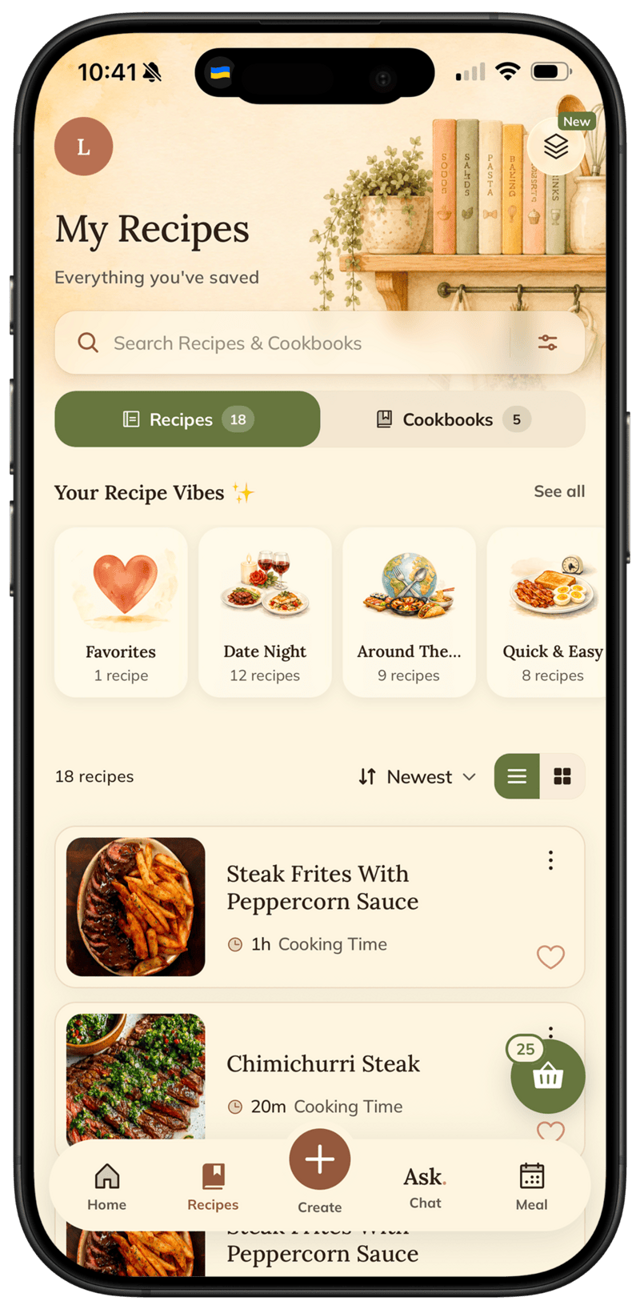
Mealime gives preset plans from a small catalog. Samsung Food drowns the planner in appliance ads. FOODIE lets you plan from YOUR recipes — no ads, no appliance noise, and the grocery list builds itself.
Try it for yourself
Try FOODIE today.
Free to download. Premium $4.17/month annually. Save your first recipe in under a minute.
Common questions
Frequently asked.
3 answers to the things people ask us most. Tap any question to expand.
01What if I don't know what to plan?
Open FOODIE's AI sous-chef chat and tell it what you're craving, what's in the fridge, or how much time you have. It'll suggest a recipe you can save and drop straight onto a calendar day.
02Can I plan around dietary restrictions?
Yes. Just tell the AI sous-chef in chat — "vegetarian dinners," "gluten-free," "low-carb" — and it'll generate recipes that fit. Add your favorites to a cookbook for next time.
03How is this different from Mealime?
Mealime locks you into preset recipes from a small catalog. FOODIE plans from YOUR saved recipes — anything you imported, snapped, or generated via the AI chat — and the grocery list builds itself.
Related
Keep reading.
How to make a grocery list from recipes
Stop manually retyping ingredients. One tap from a recipe — or one tap from a calendar day — and the list builds itself.
ReadWhat to cook with what's in your fridge
Half a zucchini, two eggs, leftover rice. FOODIE turns it into dinner — without a shopping trip.
ReadFOODIE vs Mealime
the meal-plan-only app
ReadFOODIE vs Samsung Food
the rebranded Whisk
ReadWhy my grandmother always salted the eggplant first
Salting eggplant used to be about bitterness. Today it's about something more useful — and the 30-minute wait is still worth it.
ReadWhy over-whipped cream is actually two problems — and how to fix the first one
Over-whipped cream isn't always ruined — a splash of cold cream can save it if you catch it early enough.
ReadWhy your honey crystallizes — and how to fix it in minutes
Crystallized honey isn't ruined — it's a sign of quality, and fixing it takes one gentle trick.
Read