
Guide · Cooking
Save new recipes in the language you cook in.
Choose App & Recipe Language in Personalization before importing your next recipe.
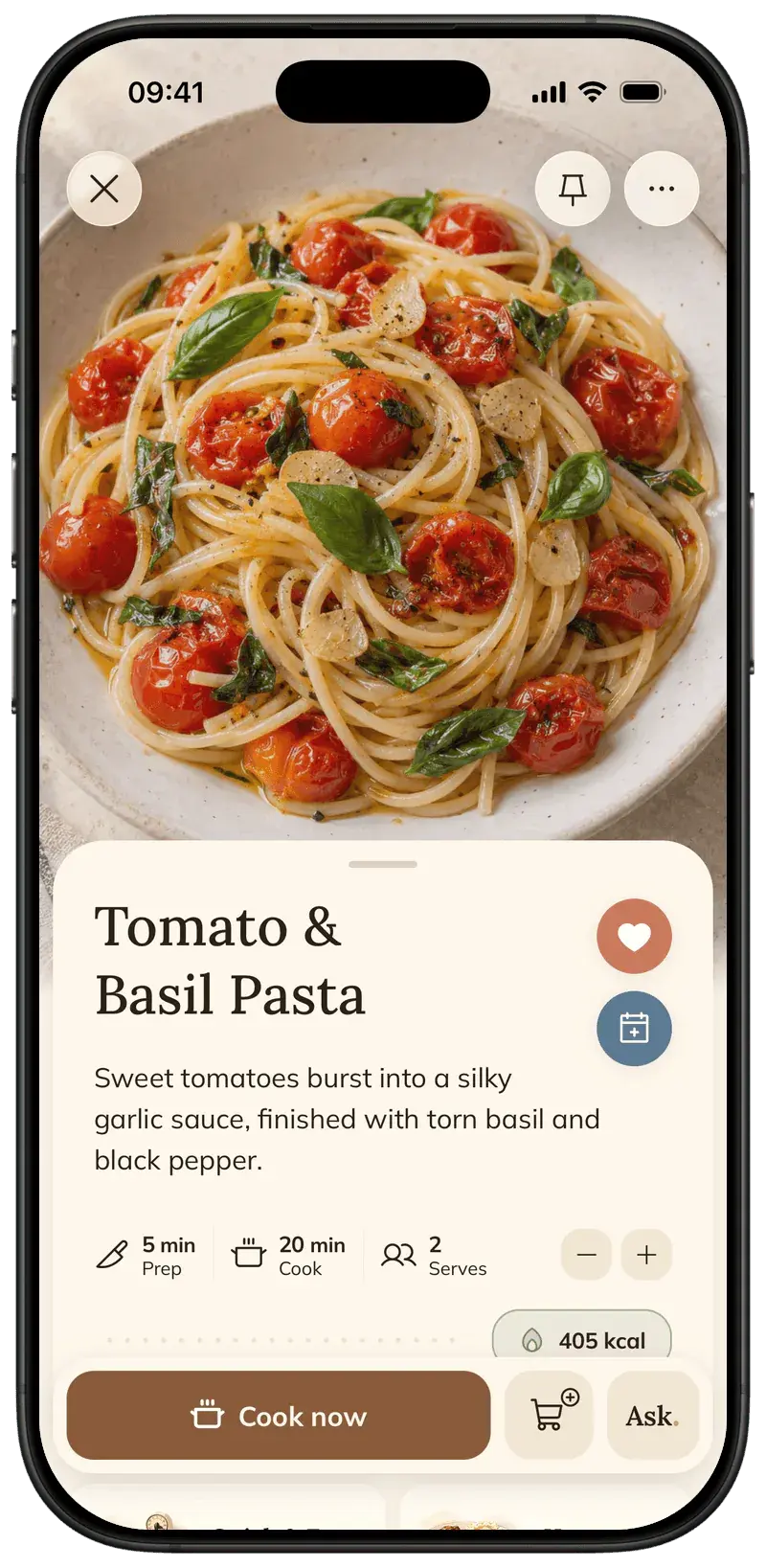
Foodie’s language preference affects the app and newly created recipes. Existing saved recipes stay as they are, so set the preference before importing the recipe you want to read in another language.
Step by step
4 steps · 1 min
- 01
Open Personalization
Open Foodie’s menu and go to Personalization. Find App & Recipe Language.
- 02
Choose a language
If Use device settings is on and the language choices are disabled, turn it off first. Then choose the app and recipe language you prefer.
- 03
Save a new recipe
Share a new recipe with Foodie or add a new link, text or photo. Newly created recipes use your selected recipe language.
- 04
Review the new recipe
Open the finished recipe and check its ingredients, quantities and instructions before cooking. Changing the preference does not rewrite recipes already in your library.
Pro tips
Small details that help.
- Set your preference before saving the recipe, not after.
- Changing app language and recipe language is one combined preference in Personalization.
- Keep unit preferences separate: metric or imperial display is another personalization choice.
How FOODIE: Recipe Saver helps
The language setting is part of the recipe-saving flow, so new imports can arrive in a language you want to cook in instead of requiring a separate translation app.
FOODIE: Recipe Saver
Try it in Foodie.
Free to download. Premium $4.17/month annually. Start with a recipe you want to cook.
 Try Foodie for free
Common questions
Frequently asked.
4 answers to the things people ask us most. Tap any question to expand.
Does this translate all my existing recipes?
No. Existing recipes stay as they are; the preference applies to new recipes.
Why are the language options disabled?
Use device settings may be on. Turn it off to choose the preference manually.
Which languages can I choose?
English, Spanish, German, French, Portuguese, Ukrainian and Italian are available recipe-language choices.
Does selecting a language also select metric units?
Language and measurement-system preferences are separate choices in Personalization. Review both if you want to change them.
How to scale recipe servings
Use the serving controls in a recipe to scale ingredient amounts for the meal you are cooking.
GuideHow to save Instagram recipes
Use Instagram’s Share to menu, choose Save to Foodie, and find the finished recipe in your library.
Comparison

FOODIE vs Paprika
Recipe management across Apple, Android, and Windows
Comparison
FOODIE vs Yummly
Yummly is discontinued: options for former users

