
Guide · Saving recipes
Turn a TikTok into a recipe you can keep.
Open TikTok’s share menu, tap More, and use Save to Foodie. You can leave while the recipe is prepared.
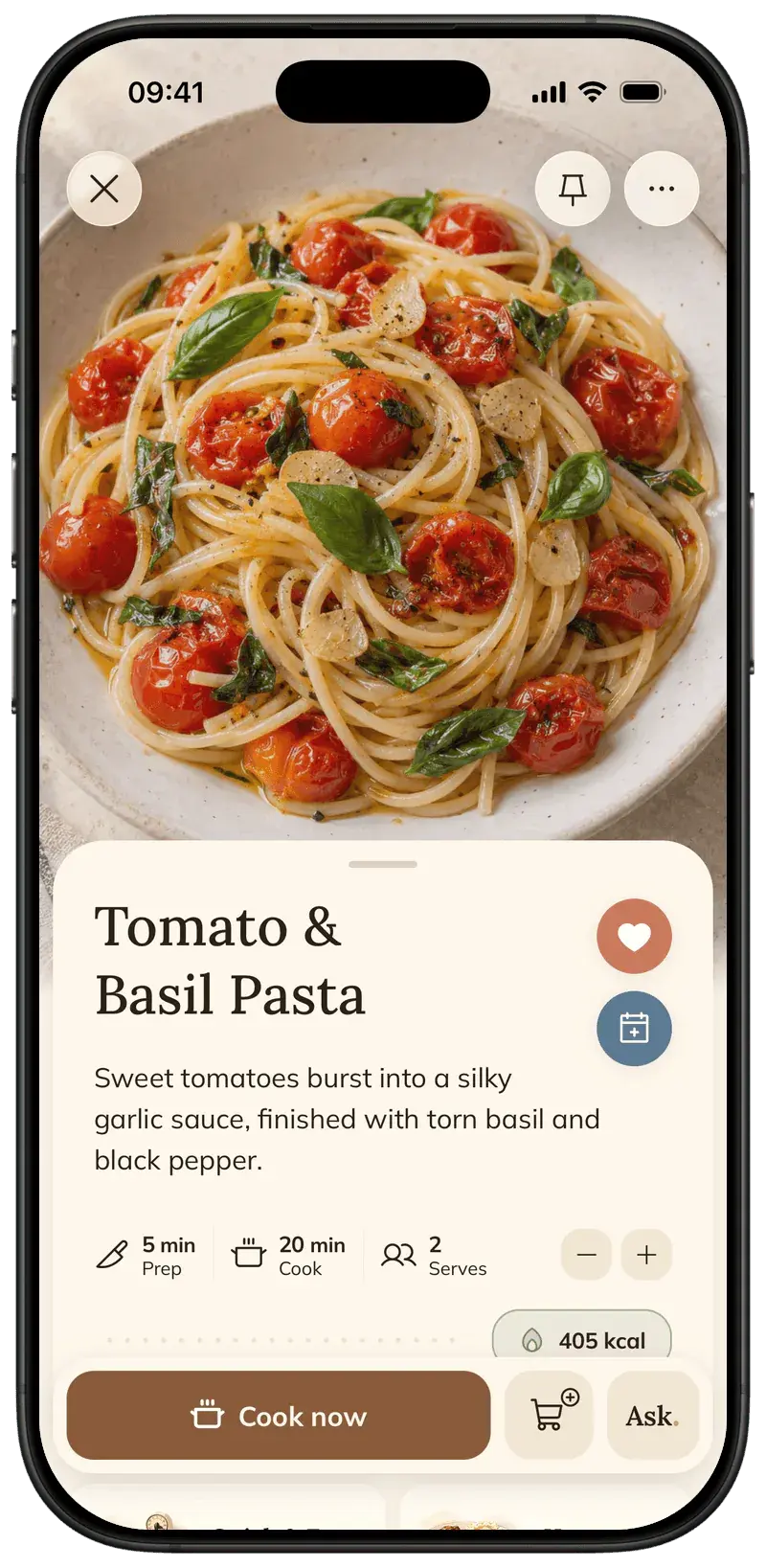
Start in TikTok’s sharing panel, then open the iPhone share menu. These steps take you through both menus to save the video as a recipe in Foodie.
Step by step
5 steps · 2 min
- 01
Open the recipe video
On your iPhone, open the TikTok you want to save. A caption with ingredients or cooking instructions gives Foodie more useful source information.
- 02
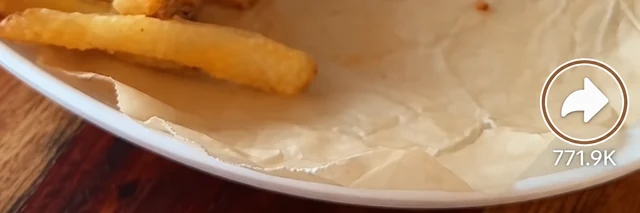
Tap the share arrow
Open TikTok’s sharing panel using the arrow on the video.
- 03
Find More
In the row of app icons, choose More. Swipe the row to the left if you do not see it. This opens the iPhone share menu.

- 04
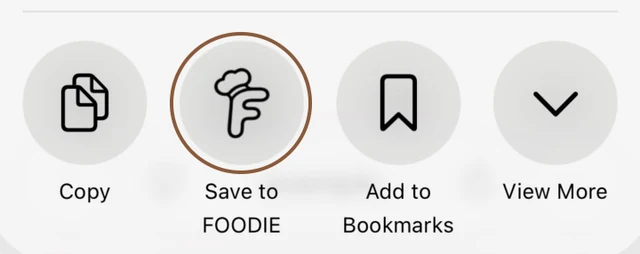
Tap Save to Foodie
Choose Save to Foodie in the iPhone share menu. Open View More or More if the action is not visible.
- 05
Find the recipe when it is ready
You can leave the generator while Foodie works. Once the recipe appears in your library, review the ingredients and steps before saving changes or starting to cook.
Pro tips
Small details that help.
- More in TikTok and Save to Foodie in the iPhone share menu are separate steps.
- Notifications can tell you when the recipe is ready if you have allowed them.
- Video processing time varies. You can keep browsing while Foodie prepares the recipe.
How FOODIE: Recipe Saver helps
Foodie turns available video recipe information into something you can search, edit and cook from later, rather than leaving you with another link in a saved-video feed.
FOODIE: Recipe Saver
Try it in Foodie.
Free to download. Premium $4.17/month annually. Start with a recipe you want to cook.
 Try Foodie for free
Common questions
Frequently asked.
4 answers to the things people ask us most. Tap any question to expand.
Can I close the generator?
Yes. You can close it and return to your library when the recipe is ready.
What if TikTok does not show Foodie?
Choose More in TikTok first. Then look for Save to Foodie in the iPhone share menu, including its View More / More options.
What if the video leaves out quantities?
Review the result before cooking. Missing or ambiguous source information can lead to estimated quantities or an incomplete recipe.
Can I organize the result?
Yes. Add the saved recipe to a cookbook, mark it as a favorite or edit the details in Foodie.
How to save Instagram recipes
Use Instagram’s Share to menu, choose Save to Foodie, and find the finished recipe in your library.
GuideHow to organize recipes on iPhone
Use cookbooks, favorites, search and pinning to keep the recipes you reach for close at hand.
Comparison

FOODIE vs ReciMe
Social recipe imports with a planner and grocery lists
Comparison
FOODIE vs Samsung Food
Recipe saving and planning, with optional Food+ tools
