Free grocery list maker by FOODIE: Digital Recipe Book
Recipe to shopping list: one grocery list from all your recipes
Paste the recipes you want to cook this week. You get one list sorted the way a supermarket is, with the eggs from every recipe added into one line.
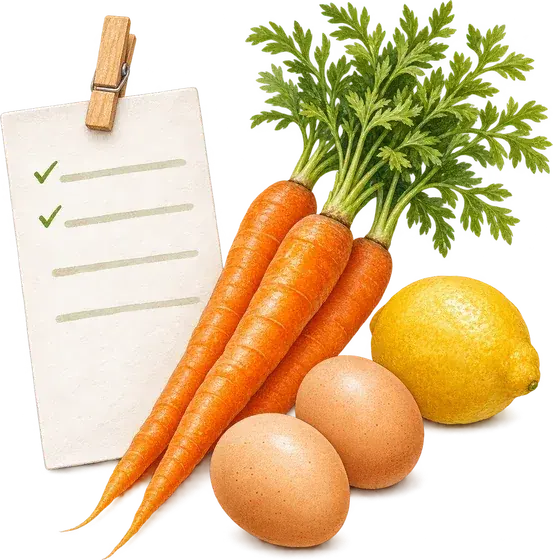
Paste a recipe, get a grocery list. The list keeps the amounts exactly as the recipes write them, adds up the same product across recipes and sorts everything by store section.
How to get the cleanest list
The tool reads recipes the way you would copy them from a blog, a cookbook photo or a note.
- Put each recipe in its own box. Products that repeat are added up across boxes.
- Keep the amounts as the recipe writes them: 1 1/2 cups, 2-3 cloves and 200 g all work.
- Cooking for more people? Pick ×2 or ×3 after the list is made; the amounts change on the spot.
- Tick things you already have at home before you print or copy the list.
Common questions
Questions about the shopping list maker.
4 answers to the things people ask us most. Tap any question to expand.
How do I turn a recipe into a grocery list?
Paste the recipe text, the whole thing or just the ingredients, and press Make my list. Add up to five recipes with Add a recipe. Method steps and headings are left out on their own.
Can it get the amounts wrong?
A model reads the lines, then the page checks its work: every amount on the list has to be written in the recipe, and every ingredient line has to end up on the list. Adding up is done by plain arithmetic, and only for units that can be added, so 200 g of butter and 2 tbsp of butter stay as two amounts on one line.
Can I print the list or send it to my phone?
Yes. Print gives a clean one-page list with tick boxes; Copy puts it in plain text for Notes or a message; Share opens your phone's share sheet.
Is it free?
Yes, with no account. If you plan meals every week, FOODIE builds this list by itself from the recipes in your book and your meal plan.
Guides on this topic
- Easy meals to prep: a weekly menu in 15 minutesA short planning routine, a sample week you can copy, and batch cooking that saves weeknights without eating your whole Sunday.Read the guide
- What should I have for dinner tonight?A five-minute way to decide, built around what is already in your kitchen, plus the staples and dinner formats that make it work most nights.Read the guide
- How to get better at cooking when you already cook from recipesYou can follow a recipe. The next step is knowing why it works, and having someone to ask when the sauce will not thicken.Read the guide
Features
More tools


FOODIE: Digital Recipe Book
Your recipes already know what to buy.
Save recipes in FOODIE and the shopping list fills itself, sorted by section.
 Try Foodie for free