FOODIE for foodies & home chefs
Your kitchen, organized at last.
Inspiration from everywhere. Servings that scale. Recipes in your language. Tap-to-advance cooking. FOODIE is finally a worthy home for serious cooks.

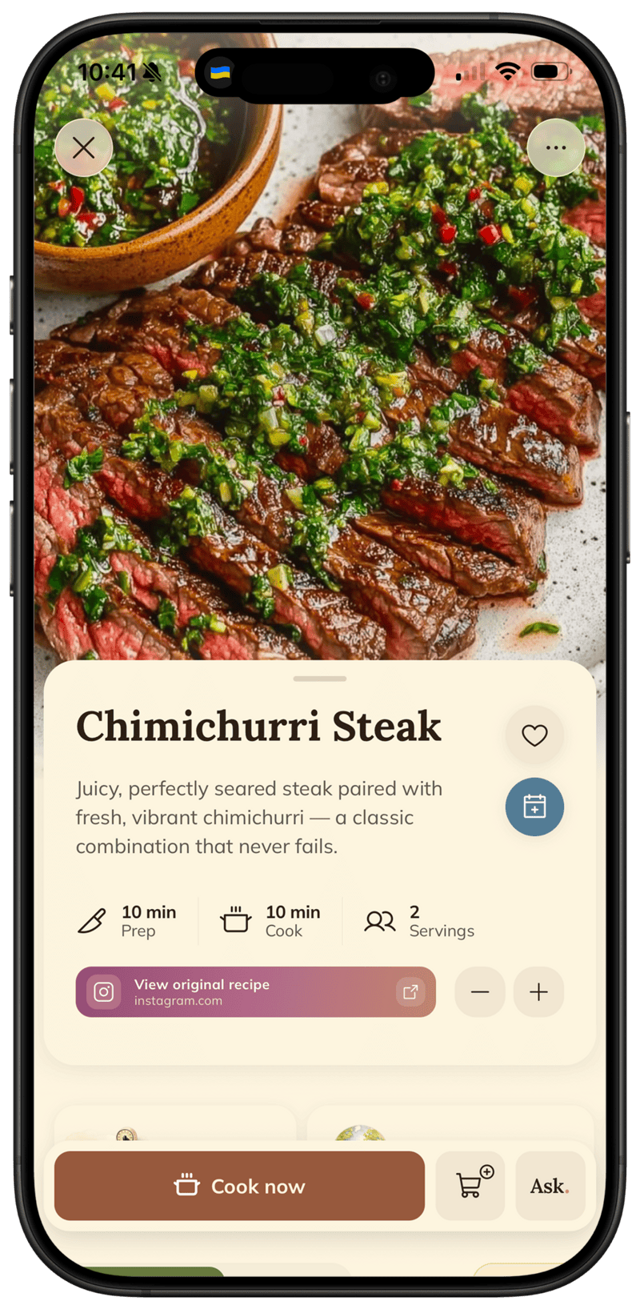
Real home cooks accumulate inspiration constantly: Instagram, cookbooks, foreign blogs, friends' texts, restaurant menus. The hard part has always been keeping it usable.
A week with FOODIE
How a foodies & home chefs actually uses it.
Sunday with a new cookbook
Three recipes you want to try this month.
Snap photos of the pages. AI structures each into a real, scalable recipe in your library.
Trying an Italian recipe from a foreign blog
You don't read Italian.
Save the recipe — FOODIE imports it directly into your language. Units and method preserved. You cook with proper measurements.
Hosting Saturday dinner for 8
Recipe is for 4.
Tap servings → 8. All quantities and units rescale. Open cooking mode and go.
Mid-recipe with sticky hands
Fish in pan, knuckle-tap territory.
Cooking mode keeps the screen on, scales the text big, highlights ingredients, and advances on a tap anywhere — built for serious moments in the kitchen.
Built for you
The features that matter most.
The big one
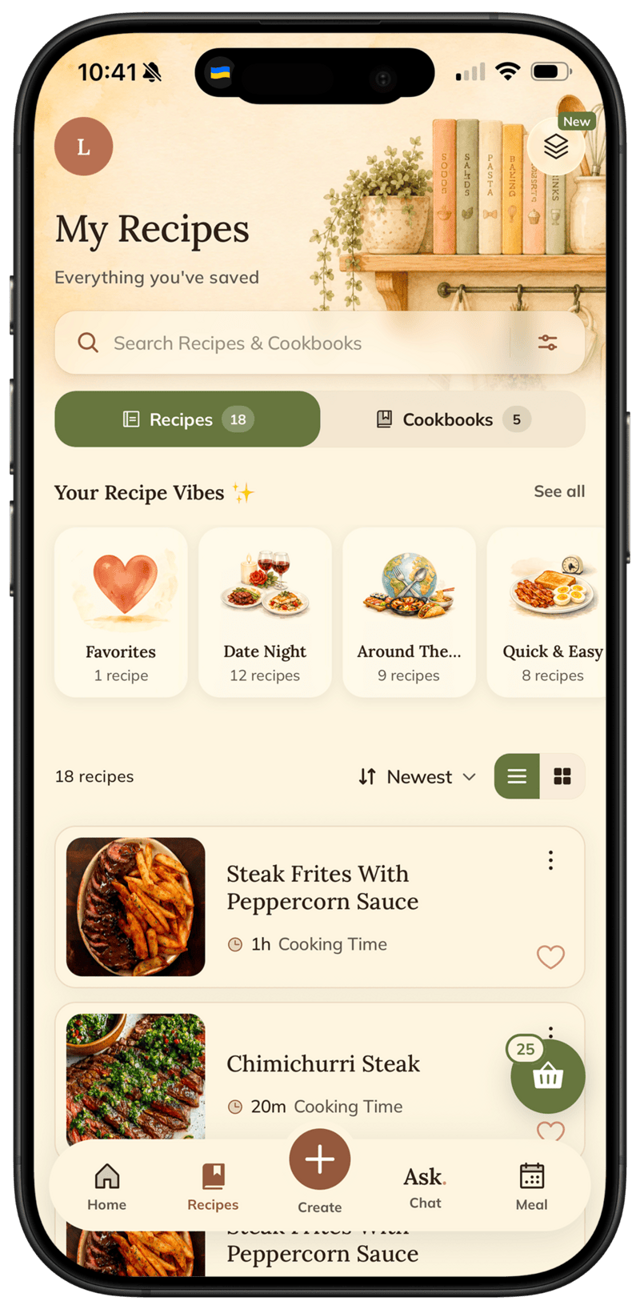
Save from any source: photos, URLs, social media, typed text.
Auto-translate every saved recipe into your language.
1-tap servings rescaling with unit conversion.
Tap-to-advance cooking mode for hands-friendly precision.
Beautiful native iOS design.
Try it for yourself
Try FOODIE for yourself.
Free to download. Premium $4.17/month annually unlocks unlimited AI generation.
Common questions
Frequently asked.
3 answers to the things people ask us most. Tap any question to expand.
01Can FOODIE handle photos of cookbook pages?
Yes — snap a page, FOODIE's AI structures it into a real, scalable, cookable recipe.
02Does it work for non-English recipes?
Yes — your language with measurement-aware translation that respects culinary intent.
03Is the cooking mode actually good for serious cooking?
Yes. Big text. Smart highlights. Always-on screen. Tap-to-advance. Designed for the kind of moments where stopping to tap means ruining the dish.
Related
Keep reading.
How to translate recipes
The best Italian recipe is in Italian. The best Spanish recipe is in Spanish. FOODIE saves them in your language.
ReadHow to scale recipe servings
Tap once. Quantities and units rescale automatically. Even between metric and imperial.
ReadHow to organize recipes on iPhone
Apple Notes was a band-aid. Notion was a project. There's a simpler, better way.
ReadHow to make ghee at home — clarified butter that keeps for months
Rendered down from plain butter in 15 minutes, ghee has a higher smoke point, a nutty depth, and a shelf life that would impress your grandmother.
ReadHow to turn wilting herbs into compound butter that keeps for weeks
Before those soft herb bunches hit the bin, roll them into compound butter — it freezes for two months and upgrades anything you put it on.
ReadThe old trick for poached eggs that never fall apart
A splash of vinegar in the simmering water keeps the whites together — here's why it works and exactly how to do it.
Read